For basic screen capture, we recommend dragging the capture bar to an edge of your screen, and keeping it there.

For those who don't want something always on-screen, see: Beyond the basics - four ways to capture.
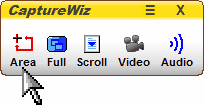
1 Roll your mouse over the capture bar and click Area.
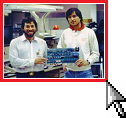
2 Drag your mouse across the desired material.
3 On the Output Bar, select an output.

That’s all there is to it – three steps!